
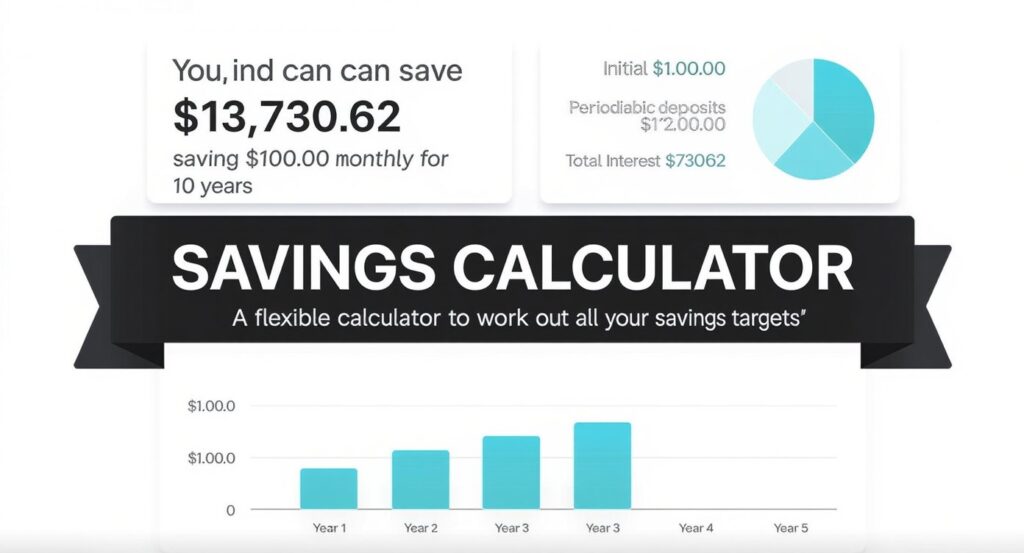
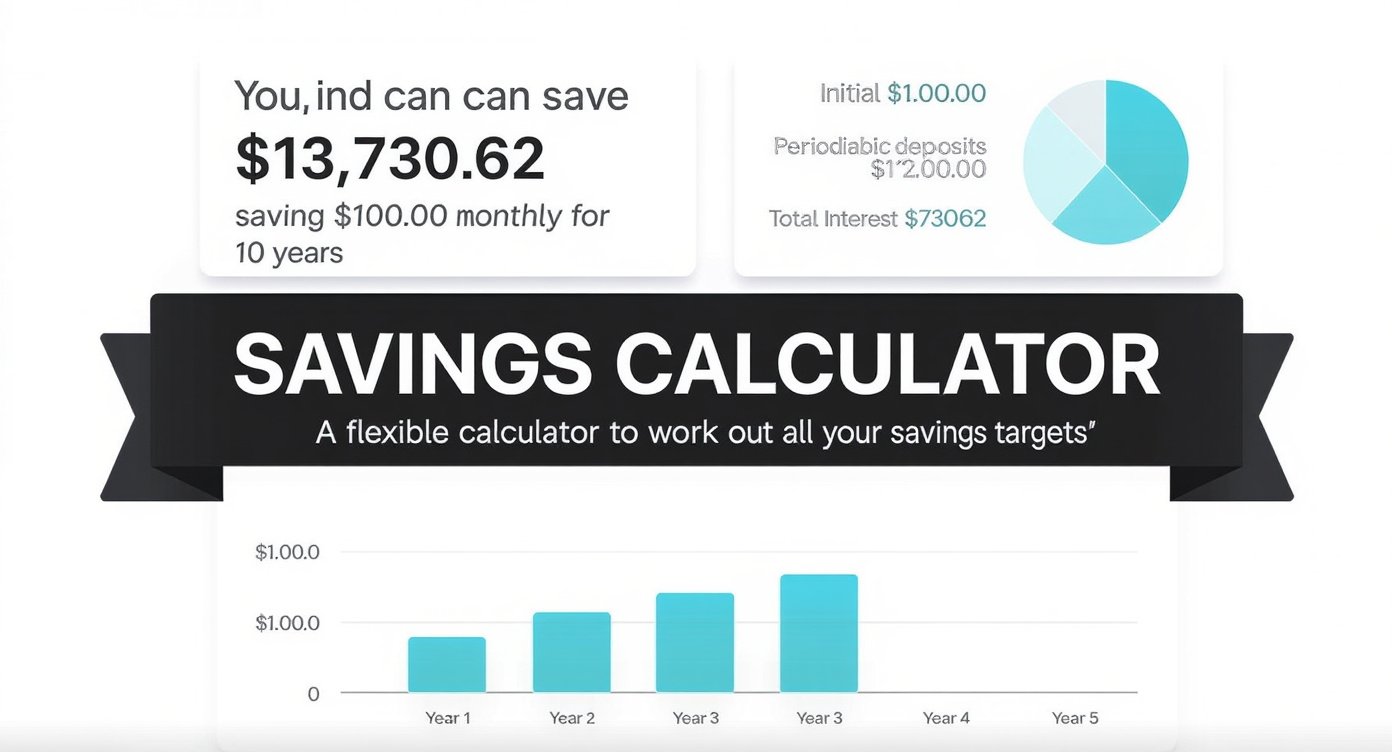
Hi, everyone! Have you ever sat down with a cup of coffee, staring at your bank statements, wondering if you’re really on track with your savings goals? I know I have. There was this one time a few years back when I was trying to save up for a family vacation. I scribbled numbers on a notepad, added up interest rates, and tried to factor in things like taxes and rising costs. It felt like a puzzle with missing pieces—frustrating and unreliable. That’s when I realized the power of a good savings calculator.
Today, I’m excited to chat with you about how a savings calculator can transform that chaos into clarity. It’s not just a gadget; it’s like having a financial buddy in your pocket, helping you plan deposits, returns, fees, tax, and inflation with spot-on accuracy. You’ll get to see yearly growth, the real value of your money over time, and even export the data for your records. Let’s break it down together and see why this tool might just be the game-changer you’ve been looking for.
Understanding the Basics of a Savings Calculator
Picture this: You’re building a roadmap for your financial future, but instead of guessing, you’re using precise calculations. A savings calculator is essentially that—a digital helper designed to forecast how your savings will grow based on various inputs. It’s more than a simple adding machine; it accounts for the real-world factors that can eat away at or boost your nest egg.
I recall chatting with my neighbor, Sarah, who was overwhelmed by her retirement planning. She had a decent job but no clear idea how her monthly deposits would stack up against inflation or fees. When I introduced her to a savings calculator, it was like flipping on a light switch. Suddenly, she could input her starting amount, regular contributions, expected interest rates, and see projections that felt grounded in reality.
At its core, a savings calculator takes your initial deposit, adds in ongoing contributions, applies interest compounding, and adjusts for deductions like taxes and fees. It even simulates inflation to show the purchasing power of your savings down the line. This isn’t about complex math you do in your head; it’s about getting reliable insights without the headache.
Also Read: Lessinvest.com: Top Techniques to Secure Profitable Returns.
How a Savings Calculator Differs from Basic Spreadsheets
You might be thinking, “Why not just use Excel?” Fair point—I’ve tried that too. But spreadsheets require you to set up formulas manually, and one tiny error can throw everything off. A dedicated savings calculator automates it all, pulling in current data trends where possible and offering visuals like charts for yearly growth. Plus, it’s user-friendly for folks who aren’t spreadsheet wizards.
In my experience, the best savings calculators let you tweak scenarios on the fly. Want to see what happens if you bump up your deposits by $50 a month? Or if interest rates dip? It’s all there, helping you make informed choices without starting from scratch each time.
Why You Need a Savings Calculator in Your Life Right Now
Life throws curveballs—unexpected bills, job changes, or that dream home that suddenly feels within reach. Without a clear plan, saving can feel like tossing coins into a wishing well. That’s where a savings calculator steps in, addressing those nagging worries head-on.
Think about the emotional side of it. I’ve felt that pit in my stomach when realizing my savings weren’t keeping pace with rising prices. Inflation isn’t just a buzzword; it’s the silent thief that erodes your hard-earned money. A solid savings calculator factors that in, showing you the “real value” of your savings after adjusting for inflation. It’s reassuring to know you’re not just accumulating dollars, but building wealth that holds up over time.
For families like mine, planning for kids’ education or emergencies is huge. A savings calculator helps map out deposits and returns, ensuring you’re not caught off guard. And let’s talk fees—those sneaky bank charges that add up. By including them in calculations, you avoid unpleasant surprises and can shop around for better accounts.
Also Read: Lessinvest.com Invest: Powerful Tips for Profitable Gains.
Tackling Common Financial Pain Points with a Savings Calculator
One big concern I hear from friends is taxes. How much will Uncle Sam take from your interest earnings? A good savings calculator incorporates tax rates, giving you net projections. It’s like having a preview of your future tax bill, so you can strategize accordingly—maybe by opting for tax-advantaged accounts.
Another pain point: Uncertainty about growth. Will your savings compound enough to meet goals? The tool breaks it down yearly, showing balances, interest accrued, and total contributions. This visibility turns vague hopes into concrete plans, reducing stress and boosting confidence.
I once helped a colleague, Mike, who was skeptical about saving amid economic ups and downs. Using a savings calculator, we simulated different inflation scenarios. Seeing the data exported into a simple report convinced him to start small but consistent deposits. Months later, he thanked me—his savings were growing steadily, and he felt in control.
Key Features That Make Our Savings Calculator Stand Out
What sets a top-notch savings calculator apart? It’s the thoughtful details that make planning effortless and accurate. Our tool is built with everyday users in mind, packing in features that cover all bases without overwhelming you.
First off, it handles deposits seamlessly. Whether you’re starting with a lump sum or adding regular amounts—weekly, monthly, or quarterly—it calculates the cumulative effect. I love how it shows the impact of consistency; even small deposits can snowball over time.
Returns are another highlight. Input your expected interest rate, and watch as it applies compounding—daily, monthly, or annually. This gives a realistic view of growth, far better than rough estimates.
Also Read: Lessinvest.com Real Estate: Profitable Market Strategies.
Accounting for Fees, Tax, and Inflation in Your Savings Calculator
Fees can be a drag, but our savings calculator lets you plug in annual maintenance costs or transaction charges, subtracting them accurately from your projections. No more guessing how much they’ll nibble away.
Taxes? We’ve got you. Select your tax bracket, and it deducts accordingly from interest earnings. This feature alone saved me hours during tax season prep last year.
Inflation is the big one. By entering an average rate (say, 2-3% based on historical data), the savings calculator adjusts your future balances to reflect real purchasing power. It’s eye-opening to see how $10,000 today might feel like $8,000 in a decade if inflation outpaces returns.
Visualizing Growth and Exporting Data with Ease
Yearly growth breakdowns are a favorite of mine. The tool generates tables or charts showing end-of-year balances, interest added, and total deposits. It’s motivating to scroll through and see progress year by year.
Then there’s the real value calculation—your savings minus inflation’s bite. This keeps things honest, helping you set goals that account for cost-of-living increases.
Finally, exporting data is a breeze. Download as CSV, PDF, or even shareable links. I use this to review with my spouse or financial advisor, making discussions productive rather than argumentative.
Also Read: LessInvest.com Crypto Guide: Insider Profitable Tactics.
Step-by-Step Guide to Using a Savings Calculator Effectively
Ready to give it a try? Let’s walk through it like we’re sitting side by side. Start by gathering your basics: Current savings balance, planned deposits, expected interest rate, time horizon (e.g., 10 years), tax rate, fees, and inflation estimate.
Open the savings calculator—it’s web-based, no downloads needed. Input your starting amount in the first field. Next, add your deposit details: Amount and frequency.
Slide over to returns: Enter the annual interest rate from your bank or investment account. Choose compounding frequency for precision.
Don’t skip the deductions section. Add any fees, select your tax bracket, and input an inflation rate (check recent economic reports for a good ballpark).
Hit “Calculate,” and voila—results appear. Review the yearly growth table, note the real value at the end, and export if you want to save or print.
Customizing Scenarios in Your Savings Calculator
The fun part? Experimenting. What if you increase deposits? Or switch to a higher-yield account? Rerun the savings calculator with tweaks to compare side by side. I did this when debating between a traditional savings account and a CD— the projections made the choice clear.
Pro tip: Use conservative estimates for interest and inflation to avoid over-optimism. This way, any upside feels like a bonus.
Also Read: Pedrovazpaulo Crypto Investment: Proven Crypto Profit Tips.
Real Stories: How a Savings Calculator Changed Lives
Stories bring this to life, don’t they? Take my friend Lisa, a single mom juggling work and kids. She dreamed of buying a home but felt savings were impossible with daily expenses. Introducing her to the savings calculator was pivotal. She input her modest monthly deposits, factored in child tax credits to offset taxes, and adjusted for inflation on housing costs.
The yearly growth showed her reaching a down payment in five years—feasible with discipline. Seeing the real value motivated her to cut unnecessary fees from her bank. Today, she’s a homeowner, and she credits that tool for making the abstract tangible.
Or consider Tom, who was nearing retirement. Worried about market volatility, he used the savings calculator to model different return rates, including fees from his 401(k). Exporting the data helped him discuss options with his advisor, leading to smarter allocations.
These aren’t just numbers; they’re about peace of mind. I’ve seen how addressing fears—like outliving savings—through clear projections builds emotional resilience.
Overcoming Doubts with a Savings Calculator
Skeptical? I get it—I was too at first. But after using it for my own emergency fund, the accuracy won me over. It factored in a surprise fee hike from my bank, adjusting projections spot-on. Now, I check in quarterly, tweaking as life changes.
Also Read: Saving Money Tips: Proven Simple Ways to Boost Your Savings.
The Edge of a Savings Calculator Over Old-School Methods
Manual calculations? They’re prone to errors and time-consuming. A savings calculator eliminates that, offering speed and reliability. No more forgetting to compound interest or miscalculating taxes.
It’s also adaptable. Life isn’t static—job promotions mean bigger deposits, economic shifts affect returns. The tool lets you update on the fly, keeping plans current.
Compared to apps with bells and whistles, a straightforward savings calculator focuses on essentials: Accurate planning for deposits, returns, fees, tax, and inflation. Plus, exporting data integrates with budgeting software seamlessly.
Practical Tips to Maximize Your Savings with This Tool
To get the most out of your savings calculator, start small. Set realistic goals, like saving for a vacation, and build from there.
Monitor regularly—quarterly reviews keep you accountable. Use the yearly growth feature to celebrate milestones.
Pair it with habits: Automate deposits to match your plan, shop for low-fee accounts, and consider tax-efficient investments.
Address inflation by aiming for returns that beat it—perhaps through diversified portfolios.
Finally, share your insights. I’ve discussed my projections with family, turning saving into a team effort.
Also Read: Fvanf Stock: Explosive Potential, Risks, and Investment Plan.
Take Control with a Savings Calculator Today
We’ve covered a lot, from basics to real stories, all pointing to one thing: A savings calculator is your ally in financial planning. It handles the nitty-gritty—deposits, returns, fees, tax, inflation—so you can focus on what matters: Your dreams and security.
If you’re feeling that familiar overwhelm, give it a shot. Input your numbers, see the growth, and export for keeps. It’s simple, accurate, and might just spark that “aha” moment as it did for me and my friends.
What’s stopping you? Head over, plug in your details, and start building a brighter financial path. I’d love to hear how it goes—feel free to share your wins.
For more useful articles, visit my website: Lessinvest.com.